Marvel Rivals
DeepRivals
Know what changed. Decide what to play.
Live overlays, hero-switch recommendations and matchup context for Marvel Rivals. Review your matches, highlights and decisions after the game.
Explore DeepRivals Download for Windows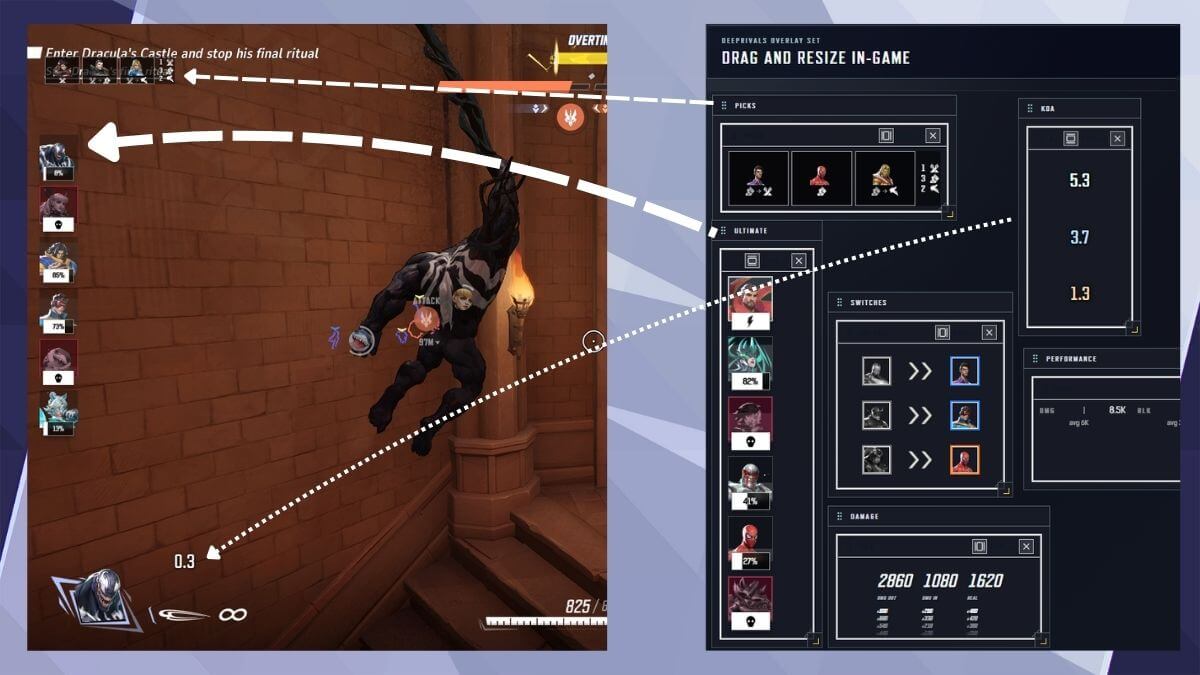
Gaming tools, independently built
Windows tools for Marvel Rivals, Roblox, Counter-Strike 2 and Fortnite. Built by independent developer Albérico Dias Barreto Filho.
Each app has a specific job. Explore what it does, then install it through Overwolf.
Marvel Rivals
Know what changed. Decide what to play.
Live overlays, hero-switch recommendations and matchup context for Marvel Rivals. Review your matches, highlights and decisions after the game.
Explore DeepRivals Download for Windows
Roblox
Keep items, accounts and values together.
Organize Roblox Backpacks across Experiences and accounts. Add items with Quick Add, record your own values, and keep Archive and value history in one place.
Explore Roblox Backpack Tracker Download for Windows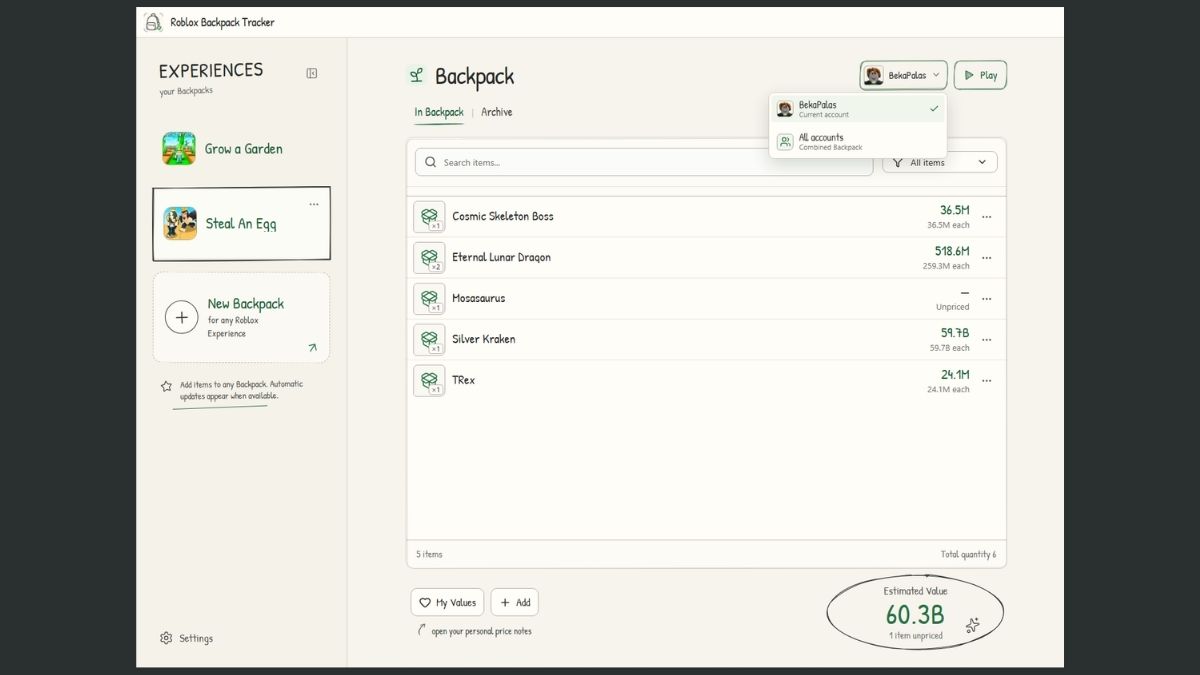
Counter-Strike 2
Make the team buy make sense.
A CS2 economy overlay for Full Buy, Force Buy and Eco decisions. See safe drops, set a reserve buffer and read enemy economy estimates in match context.
Explore Economy Tool Download for Windows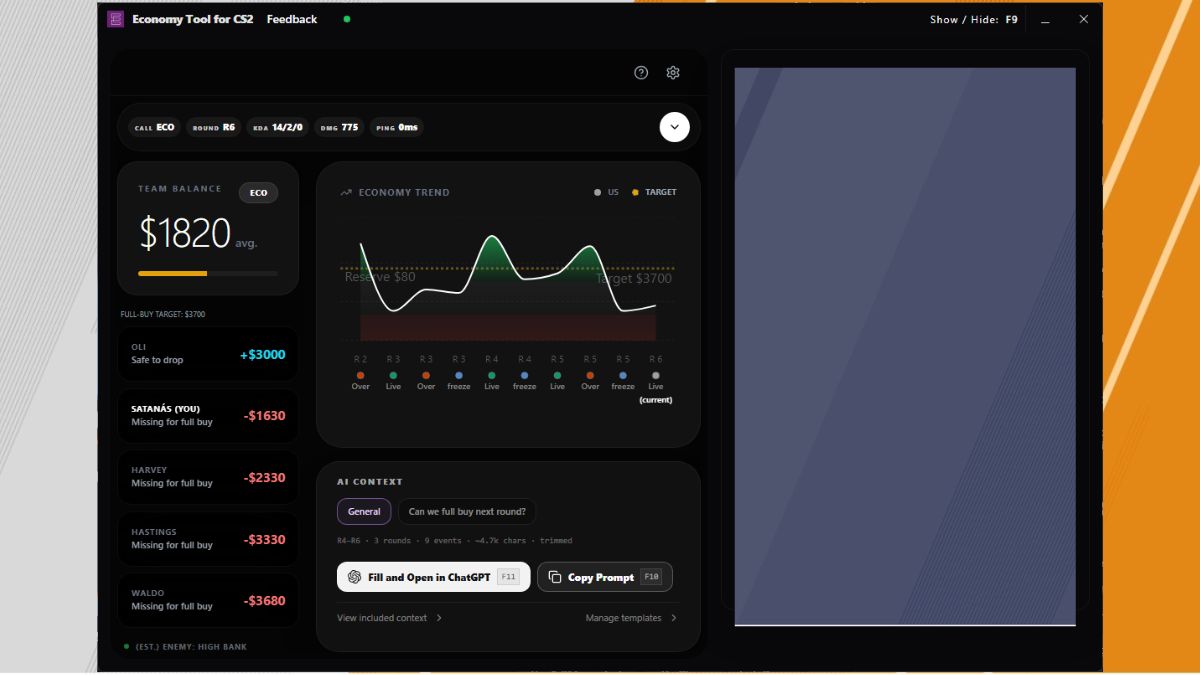
Fortnite
See your match on the map.
A Fortnite interactive map with live route tracking, location-based match stats and map-based replays. Review where you moved and how the match unfolded.
Explore Fortmapp Download for Windows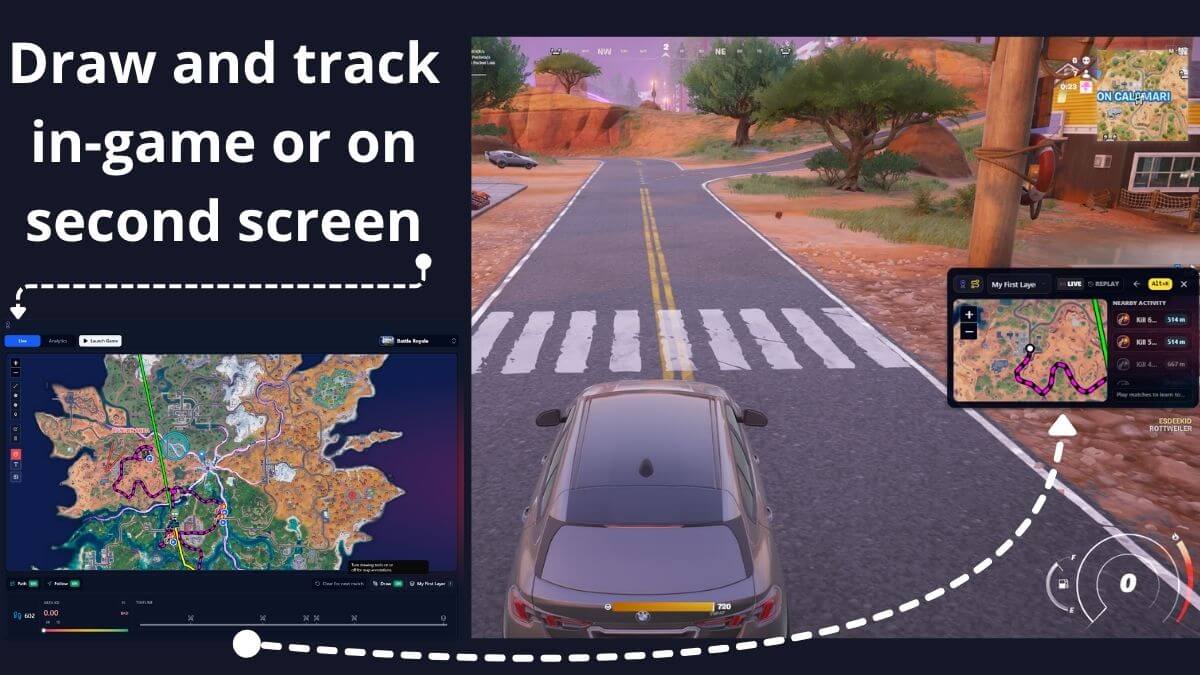
I’m Albérico Dias Barreto Filho. I build and maintain DeepRivals, Roblox Backpack Tracker, Economy Tool and Fortmapp.
The approach is simple: give each app a clear job, put useful information close to the game, and leave the decisions with the player.
This is the place to understand the products. Overwolf remains the official place to install them and check release information.
Find me on GitHubA Windows PC, Overwolf and the relevant game. These are desktop companion apps, not browser tools or mobile apps.
Every Download for Windows link leads to the official Overwolf installer. This site does not host or replace the installer.
Use the View on Overwolf link on each product page. The official listing has current release information, available pricing details and support links.
No. These are independent companion apps built by Albérico Dias Barreto Filho and distributed through Overwolf.